The ReMap catalogue is available for you to browse throught your favorite Genome Browser.
You can navigate ReMap on the
UCSC Genome Browser
[EU],
[US],
the Ensembl Browser
[EU],[US],[Asia]
or as Track Hubs.
How to |
Direct links to |
|---|---|
|
|
|
ReMap Track Hubs
New to Track Hubs
If you don't know what a Track Hub is, please check Using UCSC Genome Browser Track Hubs. In short, Track hubs are web-accessible directories of genomic data that can be viewed on Genome Browsers. It offers a convenient way to view and share very large sets of data. The track hub utility allows efficient access to data sets from around the world through the familiar Genome Browser interface. Users can display tracks from any Public Track Hubs that has been registered with UCSC.
Track Hub URL: http://tagc.univ-mrs.fr/remap/hubDirectory/trackhub/hub.txt

We strongly advice to check UCSC Track Hub paper, Raney BJ, et al. Track Data Hubs enable visualization of user-defined genome-wide annotations on the UCSC Genome Browser. Bioinformatics. 2014 Apr 1;30(7):1003-5.
Adding Track Hubs to Ensembl
The Ensembl team has put up a documentation page on How to attach a track hub to Ensembl. If Ensembl is your favorite Genome Browser, follow this tutorial.
Due to the massive increase of data between ReMap 2014 and ReMap 2018, the Track Hub for the merged dataset (Public+ENCODE 80M peaks) may be displayed into Dense mode if the region being browsed is too large. This is because this particular track contains a lot of peaks. You may want to Zoom out, or switch off that track and keep both the Public and ENCODE tracks, or switch to Browsing the BED files from sessions directly, see below. This track is visible up to 50,000 peaks, then it switches to dense mode automatically.
Ensembl Genome Browser : attach a track hub
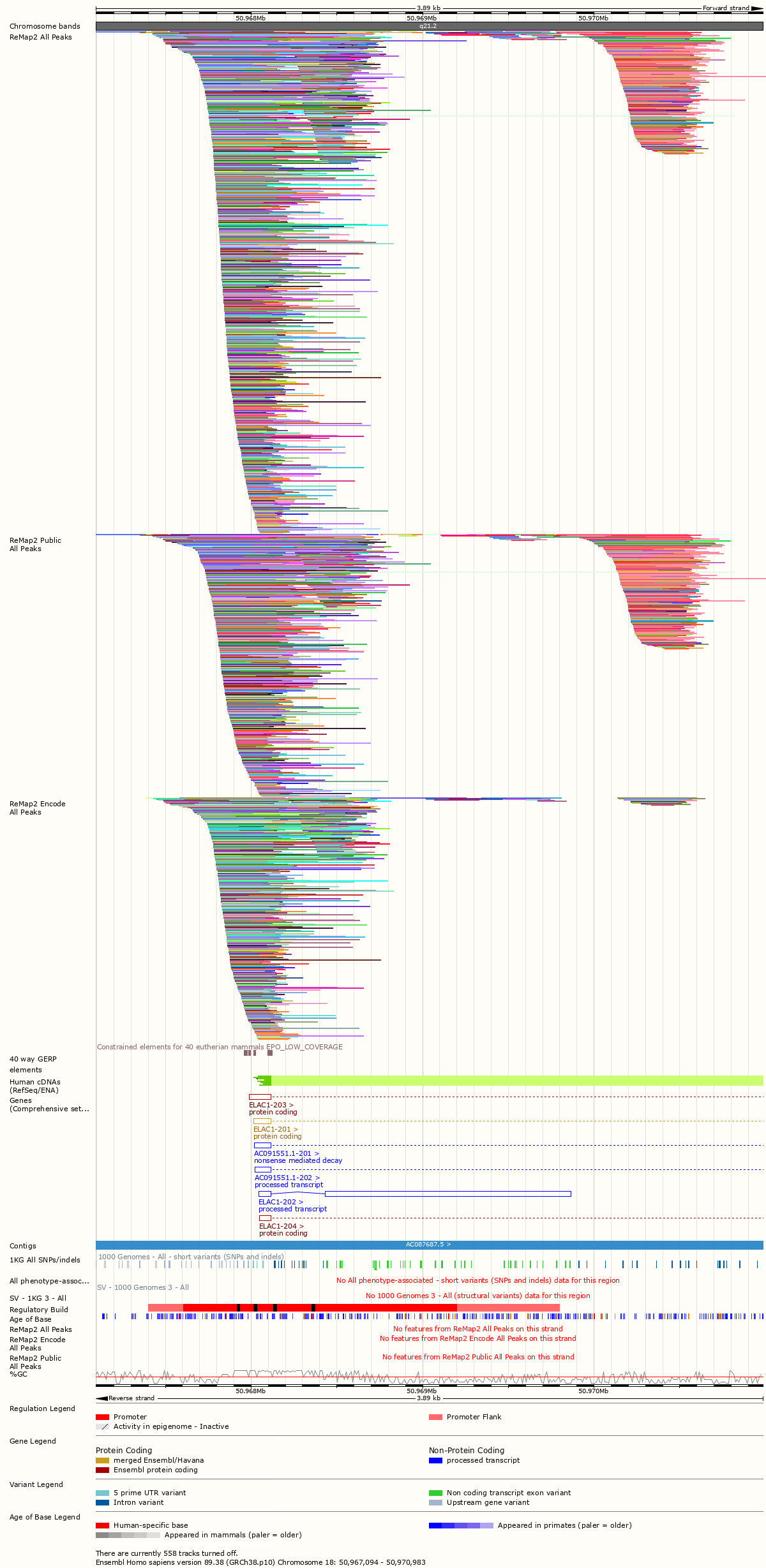
You can attach the ReMap track hub in Ensembl Human Location View, and it works very smoothly. Simply search for ReMap in the track hub repository, and connect the hub.
Alternatively you can add the this URL URL.

Then we advice you to use the Stacked or Stacked unlimited track style for best display.
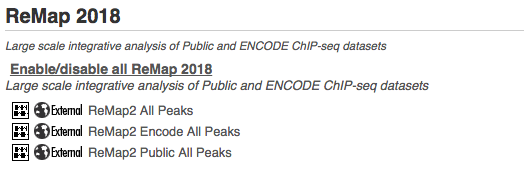
UCSC Genome Browser : Browse ReMap as BED files / Public Sessions
All ReMap 2018 BED files have been uploaded and available as UCSC Genome Browser tracks.
Users may want to use directly browse the uploaded BEDs, as an alternative to Track Hub option, especially if users experience Track hub limitations on large regions.

IGV Data Server
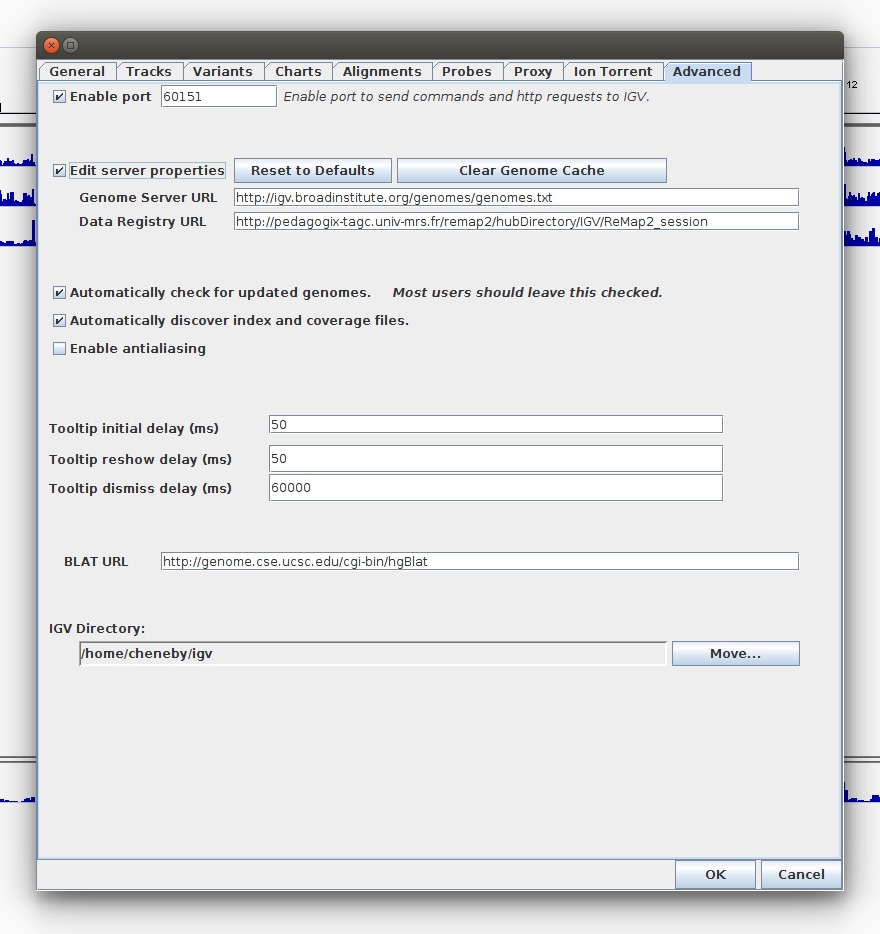
We have set up an IGV Data Server for ReMap 2018 to allow IGV users access to our genomic datasets. To use the ReMap Data Server, you need to inform IGV about where the genomic data file is located.
This is a simple operation that includes pasting the URL, this will automatically load of a registry text file and one or more XML documents. These files are stored on our server.
URL: http://tagc.univ-mrs.fr/remap/hubDirectory/IGV/ReMap2_session
- Open IGV
- Click View and then Preferences. Select the Advanced Tab.
- Click on the Edit Server Properties checkbox.
- Edit the Data Registry URL.
- Type in the exact URL of the registry